Signing Up & Logging In
Signing up for the first time
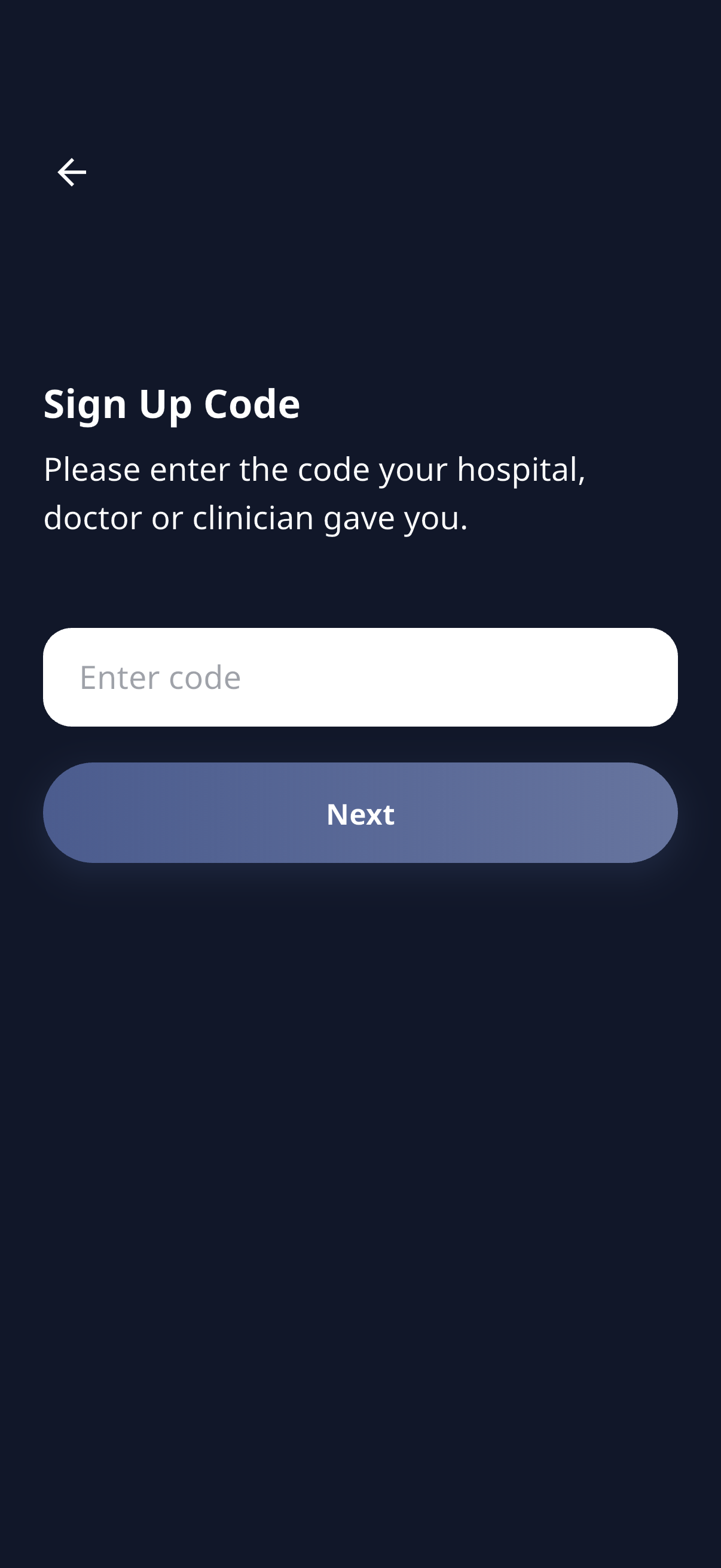
To create an account you’ll need a signup code from your care team (it might be on a letter, leaflet, or sent to you directly).
- Open the app and tap Sign Up.
- Enter your signup code and tap Next.
- Fill in your details:
- First name and last name
- Email address
- A password (the requirements are shown on screen)
- Confirm your password
- Read and accept the Terms & Conditions (you can tap to read the Terms and Privacy Policy in full).
- Tap Sign Up.
Verifying your email
After signing up, we send a verification email. Open it and tap the link to confirm your address, then come back to the app and log in.

Can’t find the email? Check your spam/junk folder.
Logging in
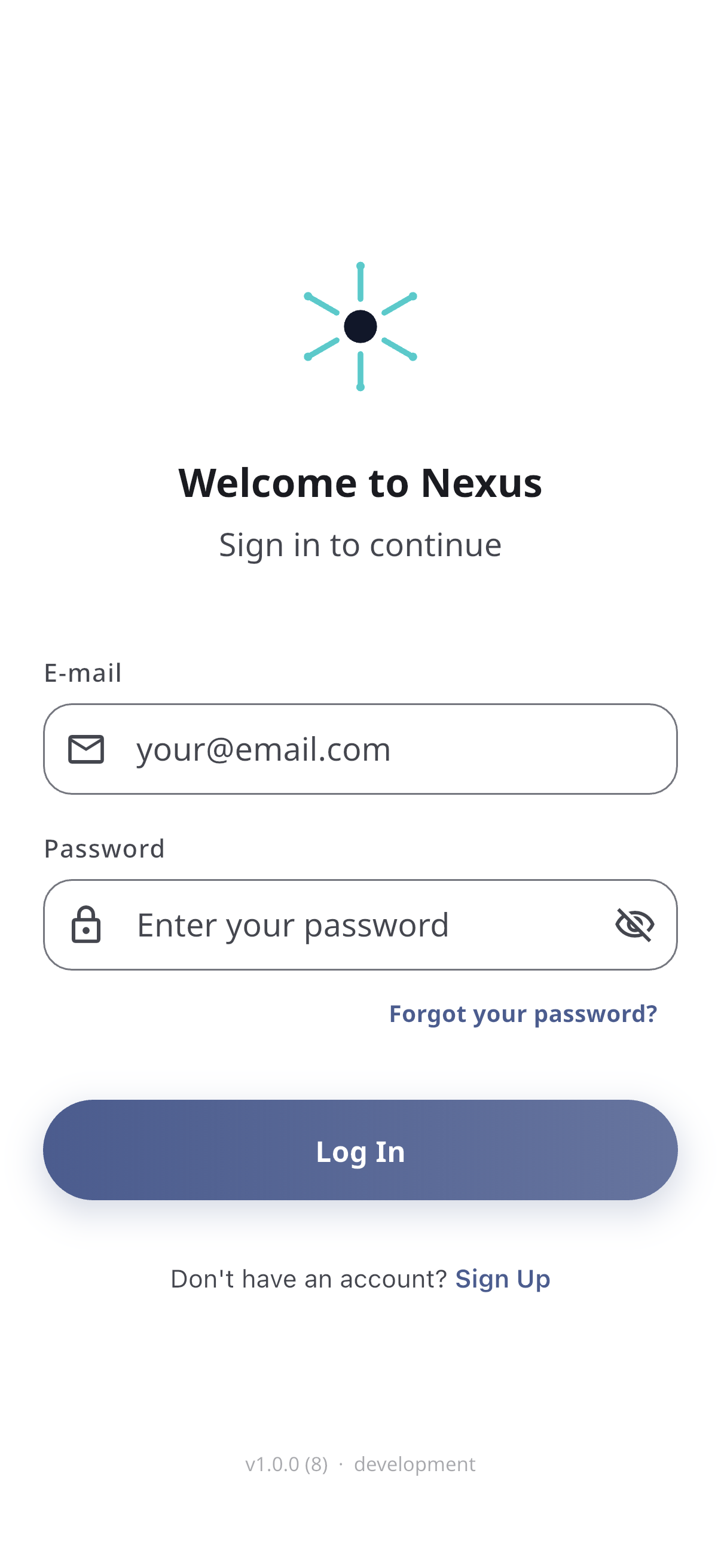
- Open the app (you’ll land on the Log In screen).
- Enter your email and password (tap the eye icon to show your password if you want to check it).
- Tap Log In.
- If you’ve turned on two-factor authentication, you’ll be asked for the 6-digit code from your authenticator app before you’re let in.
Forgot your password?
- On the login screen, tap Forgot your password?
- Enter your email and tap Send Reset Link.
- Open the email we send and follow the link.
- Enter a new password, confirm it, and tap Save New Password.
- Log in with your new password.

What’s next
After logging in, you’ll choose your organisation (if you belong to more than one) and then complete onboarding if your care team has set it up.