Your Organisations
In Nexus, your care is organised by organisation (for example, an NHS trust or clinic). You can belong to more than one — handy if you’re seen by different services — and you switch between them in the app.
Choosing an organisation
If you belong to more than one organisation, after logging in you’ll see the organisation selector.
- You’ll see a card for each organisation you’re a member of, showing its name and your role.
- Tap a card to enter that organisation.
The app then takes on that organisation’s branding (its name, colours, and logo).
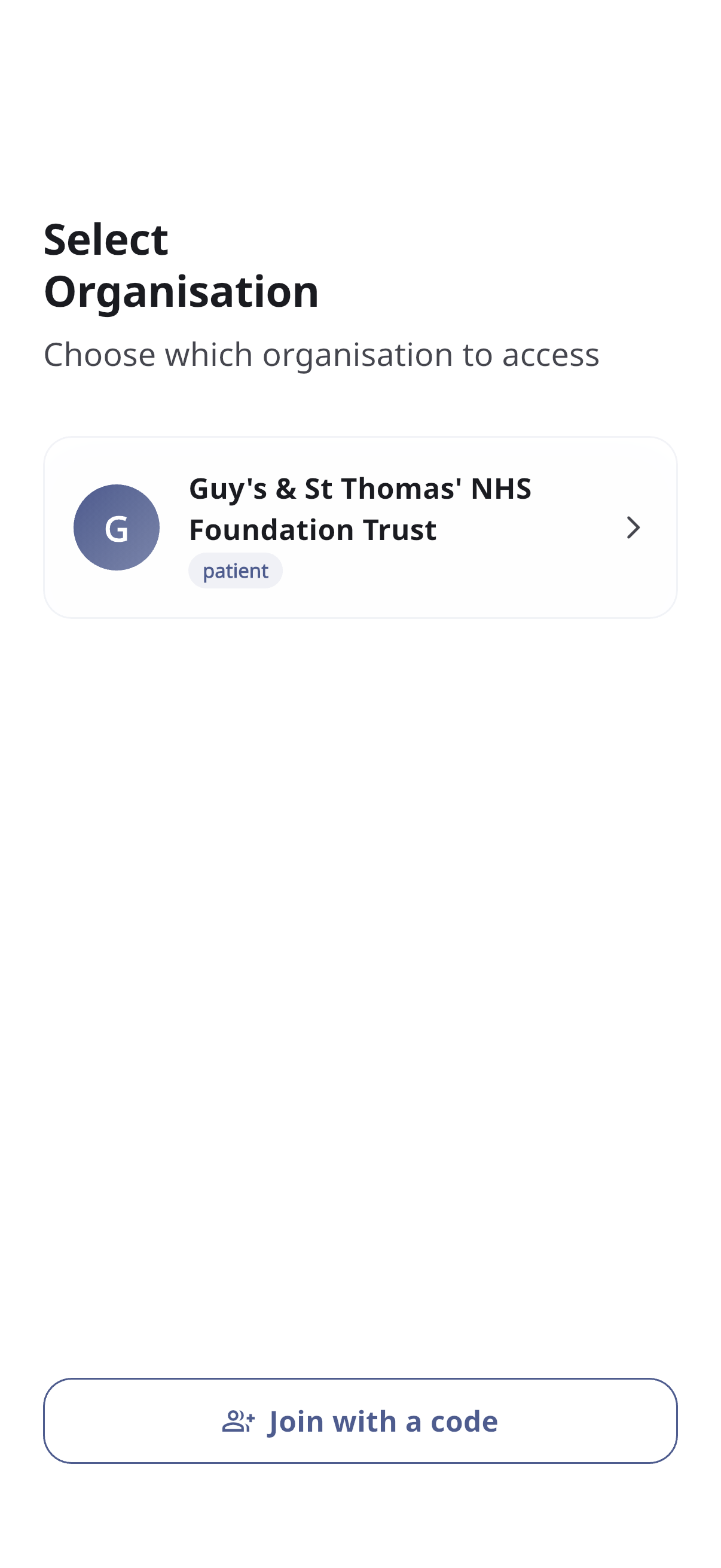
Pull down on the list to refresh it.
Joining another organisation
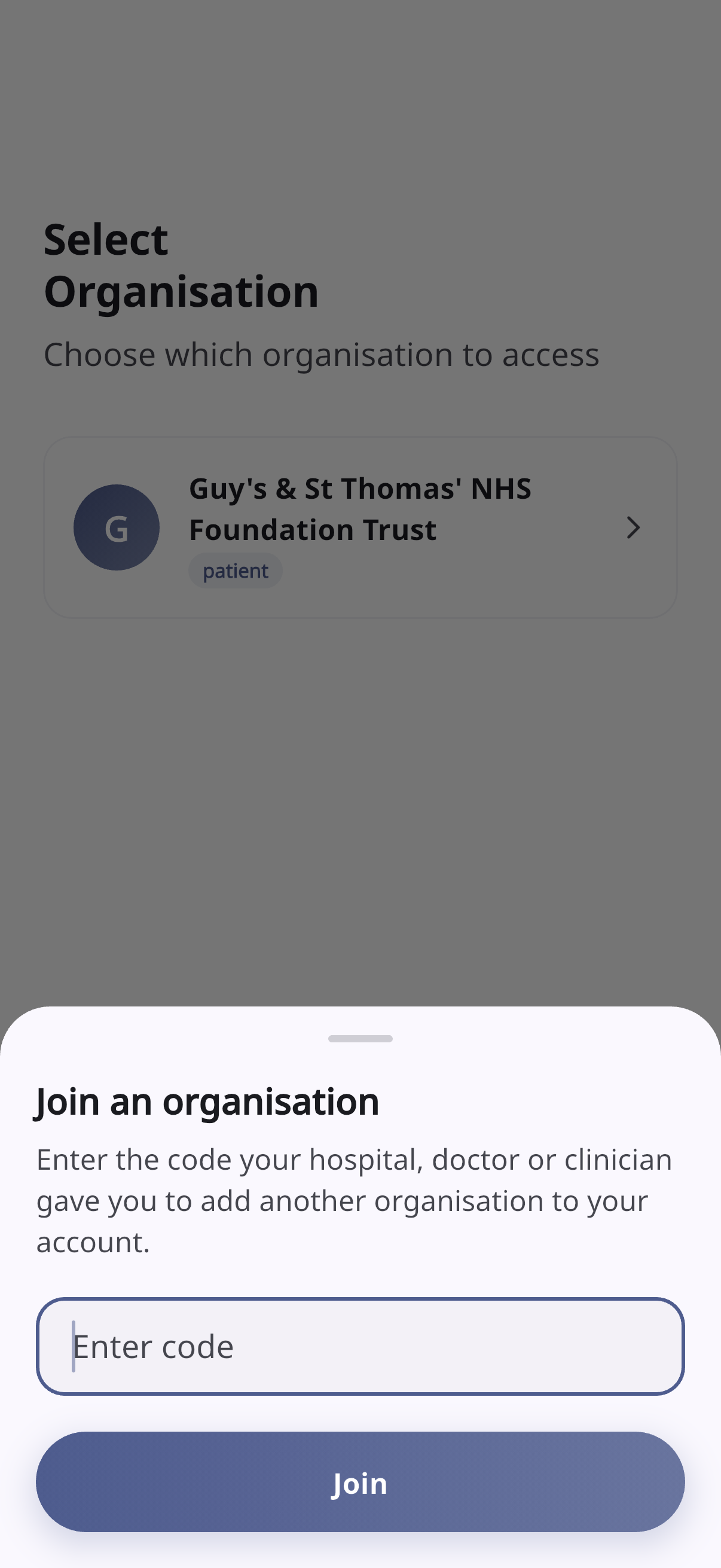
If your care team gives you a code for another service:
- On the organisation selector (or from the Profile tab), tap Join with a code / Join Organisation.
- Enter the code and tap Join.
- When it succeeds, you can tap Switch to jump straight into the new organisation, or stay where you are.
Switching organisations later
You can change organisation any time from the Profile tab:
- Open Profile.
- Tap Switch Organisation.
- Pick the organisation you want from the selector.
See Profile & settings for more.